 ChatGPT
 Perplexity
 Claude
Most SMEs only notice gaps in IT support when something breaks: a ransomware scare, a sales laptop that will not boot, a slow VPN on month-end close, or a critical SaaS account locked out. The problem is that “support” is often bought as a vague promise (or a cheap ticketing tool) rather than a clearly defined service.
This checklist is designed to help you define what managed IT support should include for a growing SME, what evidence to ask for, and how to compare providers without getting dragged into jargon.
What “managed IT support” should cover for an SME (in plain terms)
For most SMEs, managed IT support is not just a helpdesk. It is an operating model that keeps your day-to-day technology reliable and secure, while giving leadership visibility into risk and cost.
A complete service usually spans:
- User support: devices, accounts, productivity tools (for many SMEs, this means Microsoft 365 or Google Workspace).
- Core infrastructure: networks, identity, endpoints, cloud services, backups.
- Security operations: patching, vulnerability management, logging, incident response.
- Governance: access controls, joiner-mover-leaver (JML) processes, vendor management, reporting.
The exact scope depends on whether you are mostly SaaS-based (cloud-first), operate on-prem systems, or run customer-facing platforms. The key is that scope should be written down, measurable, and testable.
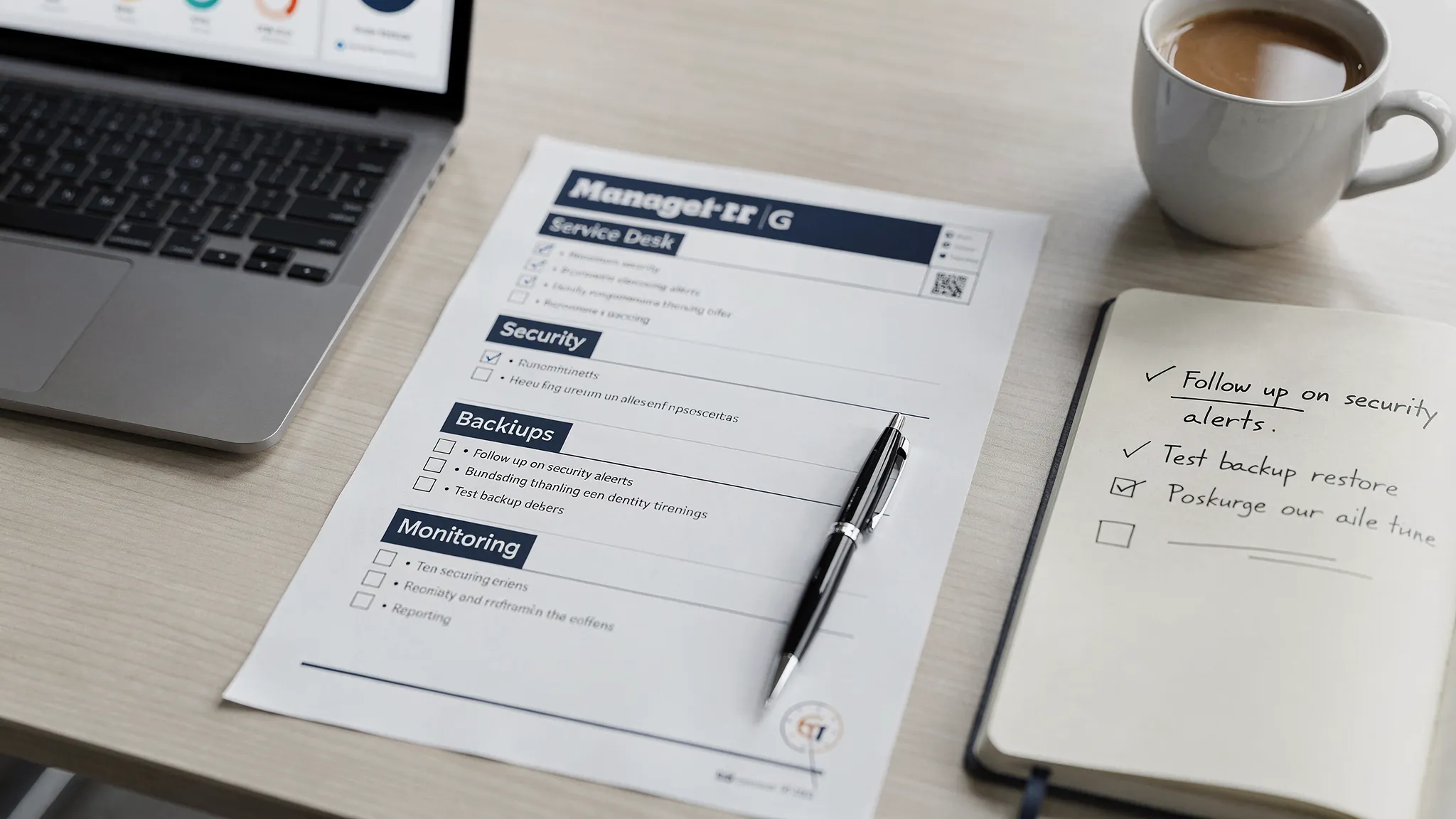
Managed IT support: essential checklist (with what to ask for)
Use the table below as your baseline. You do not need enterprise-level tooling to do these well, but you do need clarity, ownership, and discipline.
| Area | Minimum standard for SMEs | Questions to ask a provider | Evidence you should receive |
|---|---|---|---|
| Service desk and triage | Single place to log issues, clear severity levels, defined escalation path | What is your escalation path when an incident impacts revenue? Who is on-call? | Sample ticket workflow, escalation matrix, response/restore targets |
| Asset inventory | Up-to-date list of endpoints, owners, OS versions, warranty, critical apps | How do you discover and keep inventory current? | Asset register export, update cadence |
| Identity and access | MFA enforced, least privilege, role-based access, JML process | How quickly can you disable access for leavers? How do you handle shared accounts? | JML runbook, access review template |
| Endpoint security | Managed anti-malware/EDR, disk encryption, device policies | Which endpoint controls are enforced by default (encryption, screen lock, local admin)? | Policy baseline, device compliance report |
| Patch management | Regular patch cadence for OS and third-party apps | What is your patch SLA for critical vulnerabilities? | Patch compliance dashboard/report |
| Backups and recovery | 3-2-1 style thinking, tested restores, defined RPO/RTO | When was the last successful restore test? What was restored? | Backup coverage map, restore test logs |
| Email and collaboration security | Anti-phishing controls, SPF/DKIM/DMARC where relevant, mailbox auditability | Do you provide anti-phishing tuning and reporting? | Mail security posture report |
| Network and remote access | Secure Wi-Fi, segmented where needed, VPN or zero-trust access, documented changes | How do you manage firewall rules and changes? | Network diagram, change log |
| Monitoring and alerting | Monitoring for critical services, actionable alerting, defined runbooks | Which alerts page a human vs create a ticket? | Alert catalogue, runbooks for top alerts |
| Vendor and licence management | Visibility of renewals, ownership of vendor relationships | Who owns renewals and escalation with vendors? | Renewal calendar, vendor list |
| Security incident response | Defined process and communications plan | What is your incident process for ransomware or account takeover? | IR runbook, incident report template |
| Reporting and governance | Monthly service report with trends and actions | What will you report monthly, and what decisions will it enable? | Sample monthly report, KPIs |
If a provider cannot show artefacts like runbooks, sample reports, and policy baselines, you are buying a promise, not a service.
Service levels: what “good” looks like (without enterprise complexity)
SMEs often get sold generic SLAs (for example, “respond within 1 hour”), but reliability is mostly about restoring service, not just replying to a ticket.
A pragmatic approach is to define:
- Severity levels (what counts as a business-stopping incident vs a normal request)
- Response targets (time to acknowledge)
- Restore targets (time to return service to normal)
- Communication cadence (who gets updates, how often)
Here is a simple template you can adapt.
| Priority | Example impact | Response target | Restore target | Update cadence |
|---|---|---|---|---|
| P1 | Revenue-impacting outage, ransomware, critical system down | 15-30 minutes | 2-4 hours (or workaround) | Every 30-60 minutes |
| P2 | Department blocked, major degradation | 1 hour | Same business day | Every 2-4 hours |
| P3 | Single user issue, non-urgent request | 4 business hours | 2-5 business days | Daily or on change |
Two practical notes:
- Ask how they staff out-of-hours support. “24/7” can mean “someone will read an email” unless it is tied to on-call engineering.
- Ask how changes are controlled. A high percentage of outages are change-related, so change management matters even for SMEs.
Security essentials to demand in 2026
Threats targeting SMEs are not hypothetical. The UK’s National Cyber Security Centre (NCSC) consistently emphasises basics like secure configurations, access control, patching, and backups because they prevent a large share of real-world incidents.
Your provider does not need to be a full SOC to protect you, but they should deliver a minimum security baseline.
Key controls to include in your managed IT support scope:
- MFA everywhere it is supported, especially email, finance tools, and admin accounts.
- Removal of local admin rights by default, with controlled elevation when genuinely required.
- Patch compliance reporting, including third-party apps (browsers, PDF readers, meeting tools).
- Backup coverage plus restore testing, with clear RPO/RTO targets agreed with the business.
- Central logging for critical systems (at least identity, endpoints, email, and key SaaS admin logs).
- Vulnerability handling workflow: identify, prioritise, remediate, verify.
This is also where you can align to recognised frameworks (without adopting them in full). For example, many SMEs map their baseline to the CIS Critical Security Controls as a practical checklist.
The documentation you should own (even if you outsource support)
A common failure mode is outsourcing operations and losing operational knowledge. Your organisation should own the documentation required to switch providers or bring work back in-house.
At a minimum, ask for:
- A current asset inventory (devices, servers, cloud resources if in scope)
- Network diagrams and firewall/VPN configuration summary
- Access model: how admin access is granted, audited, and revoked
- Runbooks for common incidents (email outage, VPN issues, compromised account, laptop theft)
- Backup and restore procedure, including what is excluded
- Third-party vendor list (telephony, ISPs, SaaS tools) with ownership and renewal dates
If you do not receive this, you are paying for a dependency.
Commercial checklist: prevent nasty surprises in month 6
Managed IT support contracts fail most often on ambiguity. Before you sign, ensure you can answer these questions clearly.
| Topic | What you want to see | Why it matters |
|---|---|---|
| Scope boundaries | In-scope vs out-of-scope written down | Prevents “that is a project” surprises |
| Pricing model | Per user/device, per site, or retainer, with what is included | Makes costs predictable |
| Tooling ownership | Who owns licences for EDR, RMM, backup, password manager | Avoids lock-in and hidden costs |
| Subcontractors | Who else may access your systems | Changes your risk profile |
| Data ownership | You own your data, logs, configs, documentation | Enables provider exit |
| Exit plan | Offboarding steps, timelines, fees, and data handover | Reduces operational risk |
If your SME operates in regulated contexts (healthcare, finance, education, government supply chains), also ask how they support audits and evidence collection.
A simple 30-day onboarding plan (what a provider should do first)
The first month is where competent providers separate themselves from “ticket takers”. You should expect a structured transition that reduces risk quickly.
| Timeframe | Outcomes | Typical deliverables |
|---|---|---|
| Days 1-7 | Gain visibility and stabilise access | Asset discovery, admin access review, urgent risk fixes |
| Days 8-14 | Standardise endpoints and identity basics | MFA rollout plan, device baselines, patch schedule |
| Days 15-30 | Make operations measurable | Severity model, monthly KPI draft, backup restore test plan |
If you are also working on growth initiatives (new website, lead-gen, conversion tracking), include IT early so marketing tools are not deployed in a risky or fragile way. In some cases, SMEs coordinate their IT provider with a specialist digital marketing agency so analytics, ads, and web changes are implemented quickly without introducing security gaps.
When an SME should look beyond traditional “IT support”
Some SMEs need more than device management and helpdesk, especially if you:
- Run a SaaS product or customer-facing platform
- Depend on Kubernetes, cloud infrastructure, or CI/CD pipelines
- Need deeper monitoring, reliability engineering, or cloud cost control
In those cases, you may be better served by an engineering-led partner that can support both operations and platform improvements. Tasrie IT Services focuses on DevOps, cloud native operations, automation, monitoring and security, which can be a good fit when “support” needs to include measurable improvements in reliability and delivery, not just ticket resolution.
If you want to evaluate providers with a more structured approach, Tasrie IT Services also published a practical guide on how to select a managed service provider. For security-sensitive environments, it is also worth checking whether your provider holds recognised certifications (for example, Tasrie IT Services has written about its ISO 27001 certification).
Final takeaway: buy outcomes, not a helpdesk
The best managed IT support for SMEs is defined by outcomes you can measure: fewer recurring incidents, faster recovery when something fails, a clearer security posture, and predictable costs.
If you use the checklist above to demand evidence (not promises), you will avoid most common outsourcing traps and end up with a support model that scales with your business.